Does Dutch Bros Take Apple Pay? Everything You Need to Know
Do you hate waiting in long checkout lines to pay for your favorite Dutch Bros drink? If you’ve ever wondered, does Dutch Bros take Apple Pay, you’ll be happy to know that paying doesn’t have to slow you down. Apple Pay lets you grab your coffee with just your iPhone or Apple Watch, skip the line, and enjoy your drink without delay. This guide covers everything about using Apple Pay at Dutch Bros. You’ll learn where it works, how to use it properly, what to do when it fails, and how it affects your rewards.
Does Dutch Bros take Apple Pay?
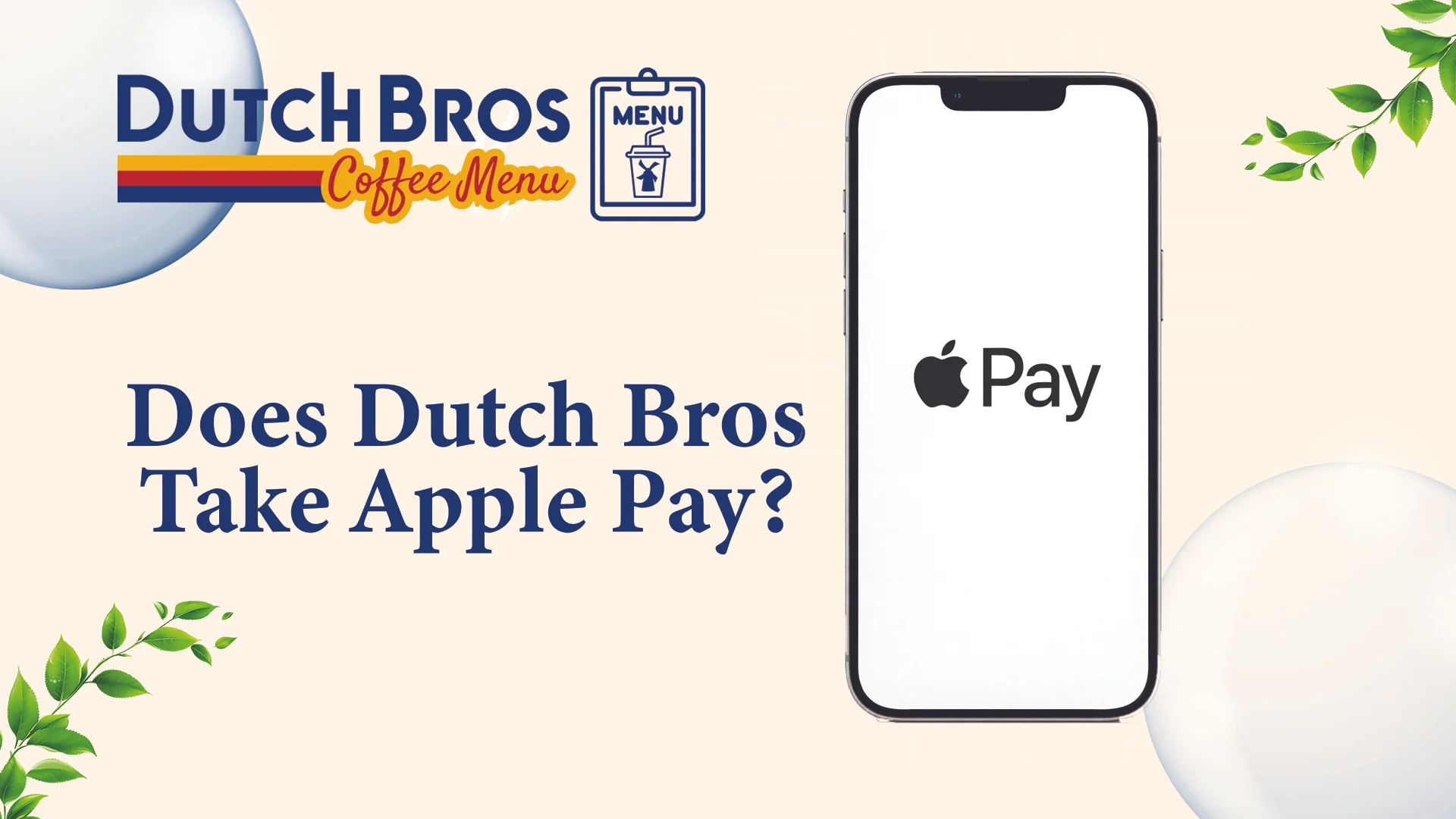
Yes, Dutch Bros takes Apple Pay at most locations across the United States. The coffee chain rolled out contactless payment terminals starting in 2019, and nearly all company-owned stores now support tap-to-pay options. You can use Apple Pay at the drive-thru, walk-up windows, and inside stand locations.
Payments work just like using a contactless card. Simply bring your iPhone, iPad, or Apple Watch close to the payment terminal, confirm with Face ID or your device passcode, and the transaction is completed.
Where Can I Use Apple Pay at Dutch Bros?
Here are the locations where apply pay work best:
Apple Pay at Dutch Bros Drive-Thru
The drive-thru is where Apple Pay shines brightest. Most drive-thru locations have handheld wireless terminals that baristas bring to your window. These devices almost always support NFC payments.
At the drive-thru, tell the Dutch Bros team you’re paying with Apple Pay. They’ll bring a contactless terminal to your car. Bring your phone or watch close to the terminal and verify the payment with Face ID or your passcode. You’ll see “Done” once the payment goes through.
Apple Pay at Walk-Up & In-Store Stands
Walk-up windows and indoor stands use countertop terminals. These usually sit on the counter facing you, making them easier to reach than drive-thru setups. The barista will tell you when the terminal is ready for payment.
Dutch Bros supports Apple Pay at every location. After placing your order, bring your iPhone or Apple Watch near the contactless reader and unlock your device using Face ID or Touch ID. Once you see the checkmark, the payment is done.
Apple Pay Availability by Location
Company-owned Dutch Bros stores have nearly universal Apple Pay support. These locations receive equipment upgrades directly from corporate and stay current with payment technology. Franchise locations vary more depending on when the franchisee last upgraded their systems.
Geographic patterns exist, too. West Coast locations adopted contactless payments earlier than Midwest and Southern stores. Oregon and California shops almost always accept Apple Pay, while newer markets like Texas have mixed support.
How to Use Apple Pay at Dutch Bros (Step-by-Step)
Here’s the easiest and clearest way to use Apple Pay at Dutch Bros:
Set Up Apple Pay
- Open the Wallet app on your iPhone or Apple Watch.
- Tap the plus sign and add your debit or credit card.
- Complete the verification process by following your bank’s on-screen instructions.
- Make sure your device software is running the latest software version.
At the Drive-Thru or Walk-Up Window
- Order your drink from the Dutch Bros menu.
- Tell the barista you’re paying with Apple Pay.
- Wait for them to activate the payment reader.
Making Your Payment
- Double-click the side button (iPhone X or newer) or home button (older iPhones).
- Confirm the payment using Face ID, Touch ID, or your device passcode.
- Bring your device close to the contactless reader to complete the transaction.
- Wait for the checkmark on your screen or the beep sound.
- Your payment is complete.
You’re Done
- Grab your drink and enjoy
- No need for cash or physical cards
What Payment Methods Does Dutch Bros Accept?
At the Drive-Thru or Walk-Up Window
- Cash: Available at most Dutch Bros locations.
- Credit Cards: All major credit cards like Visa, Mastercard, American Express, and Discover are accepted.
- Debit Cards: Swipe or tap your bank debit card and pay.
- Apple Pay: Quick tap-to-pay using your iPhone or Apple Watch for contactless checkout.
- Google Pay: Android users can pay in seconds by placing their phone near the card reader.
- Samsung Pay: Samsung device owners get the same tap-and-go convenience.
- Apple Cash: Use funds from your Apple Cash balance stored in your Apple Wallet.
- PayPal: Link your PayPal account for another contactless payment option.
- Dutch Bros Gift Cards: Physical or digital gift cards work everywhere and make great presents.
- Dutch Pass: Load money onto your Dutch Bros app and scan your pass at checkout for faster service.
In the Dutch Bros Mobile App (Order Ahead)
- Credit Cards: All major credit cards work for mobile orders placed through the app.
- Dutch Bros Gift Cards: Redeem gift card balances directly in the app.
- Dutch Pass Funds: Use any money you’ve preloaded onto your Dutch Pass account.
- Earned Rewards: Apply free drink rewards you’ve earned through Dutch Rewards.
Benefits of Using Apple Pay at Dutch Bros
Using Apple Pay instead of cash or cards at Dutch Bros gives you several real advantages:
- Fast & Convenient: Apple Pay speeds up checkout with a quick tap, no wallet, cash, or card waiting, which is ideal during busy rush hours.
- Secure Payments: Your real card number is never shared, and payments require Face ID, Touch ID, or a passcode for added protection.
- Contactless & Clean: Simply hold your device near the reader without touching shared surfaces or handling cash.
- App-Friendly: Apple Pay works seamlessly with the Dutch Bros app for Order Ahead, Dutch Pass reloads, tipping, and automatic rewards tracking.
Apple Pay & Dutch Bros Rewards – Do You Still Earn Points?
Rewards are a huge reason people drink Dutch Bros regularly. Understanding how payment methods affect points helps maximize your benefits.
Does Apple Pay Affect Dutch Pass® Rewards?
Apple Pay payments are fully eligible for earning Dutch Pass rewards. Your rewards account links to your phone number or the Dutch Bros app, not your payment method. You earn points based on purchase amounts, regardless of whether you pay with Apple Pay, cash, or a regular card.
Tell the barista your phone number before paying. They’ll look up your rewards account and attach it to the transaction, then you pay with Apple Pay as normal. Points appear in your account within a few minutes.
Apple Pay + Gift Cards + Rewards (How It Works)
Gift cards complicate the rewards equation slightly. If you pay with a Dutch Bros gift card, you still earn rewards on that purchase. The card is just a stored value, not a different rewards program. At the physical register, tell the barista you’re using a gift card. They’ll process the gift card payment first, and if your order costs more than the balance, they’ll ask how you want to pay the difference.
Reward points are earned based on the full purchase amount before any gift card reductions are applied. Combining gift cards with Apple Pay makes sense when you receive gift cards as presents.
Why Many Customers Prefer Apple Pay at Dutch Bros
Many Dutch Bros customers prefer Apple Pay because it improves the overall ordering experience, not just convenience. The benefits are especially for regular visitors who value speed and simplicity during busy drive-thru hours. Over time, these small efficiencies make each visit feel smoother and more predictable.
Faster checkout is a major reason for its popularity, as Apple Pay removes all the steps involved with physical cards and turns payment into a quick tap. It also adds peace of mind by keeping transactions contactless and protecting card details with secure authentication. For frequent customers, carrying multiple cards digitally and using a device they already rely on makes Apple Pay a natural, hassle-free choice.
What If Apple Pay Doesn’t Work at Dutch Bros?
Here’s how to troubleshoot when Apple Pay fails quickly:
- Restart your phone: Turn it off completely, then turn it back on. This fixes most random glitches.
- Check your card details: Make sure the card hasn’t expired and is still active with your bank.
- Update your iPhone: Go to Settings > General > Software Update and install any available updates.
- Verify the card reader works: Ask the cashier if their Apple Pay terminal is working properly today.
- Contact your bank: Some banks or card types don’t support Apple Pay, so double-check with them.
- Make sure you have enough money: Check that your card has sufficient funds or available credit.
- Check if Apple Pay works in your area: If you’re traveling, Apple Pay might not be supported in that region.
- Remove and re-add your card: Open Wallet, tap your card, scroll down, and select “Remove Card,” then add it back.
- Try a different card: If you have multiple cards in your Wallet, switch to another one.
- Check Apple’s system status: Visit Apple’s System Status page to see if there’s a service outage.
- Reset Face ID or Touch ID: Go to Settings and turn off Face ID/Touch ID, restart your phone, then turn it back on.
- Take off your phone case: Thick cases can sometimes block the NFC signal from reaching the reader.
- Keep a backup ready: Always carry a physical card or have cash available just in case.
Is Apple Pay Safe to Use at Dutch Bros?
Yes, Apple Pay is actually one of the safest ways you can pay at Dutch Bros. When you tap your phone, it doesn’t send your real card number to the register. Instead, it creates a one-time code that only works for that single transaction. Even if someone somehow intercepted that information, they couldn’t use it to make other purchases or steal your card details.
It’s also safer than handing over your physical card. Your card never leaves your hand, so there’s no chance of it being skimmed or the numbers being copied by anyone. You also need to unlock your phone with Face ID, Touch ID, or your passcode before the payment goes through, so even if someone steals your phone, they can’t use your cards. Dutch Bros doesn’t see or store your actual card information either, which adds another layer of protection to your personal data.
Apple Pay vs Other Payment Methods at Dutch Bros
Dutch Bros offers many ways to pay, but Apple Pay stands out for its speed, safety, and ease. Here’s how it compares to other payment methods:
Payment Method | Speed | Security | Ease of Use | Contactless | Special Benefits |
|---|---|---|---|---|---|
Apple Pay | Instant | Very High | One-Tap with Phone | Yes | Auto-tracks rewards, no wallet needed |
Credit/Debit Card | Fast | High | Insert or Tap Required | Yes | Tap to pay is available at all locations |
Dutch Bros App | Fast | Very High | Scan your phone code | Yes | Earns rewards points, exclusive app offers, and a tip option |
Cash | Slow | Low | Manual payment | No | No benefits, no rewards tracking |
Dutch Bros Gift Card | Medium | Medium | Swipe a physical card | Depends | Great for gifting, works like prepaid credit |
FAQs
Conclusion
So, does Dutch Bros take Apple Pay? Yes, they do at every location, and it’s honestly one of the easiest ways to pay for your coffee. Whether you’re rushing through the drive-thru or walking up to the window, just tap your phone, and you’re done in seconds. It’s fast, secure, and works perfectly with their rewards program, so there’s really no reason not to give it a try next time you’re grabbing your favorite drink.